Автоматизируйте квесты Discord одним кликом.
Автоматическое выполнение видео, стрим и игровых квестов automatically while you focus on what matters.
Все что нужно to automate Discord quests
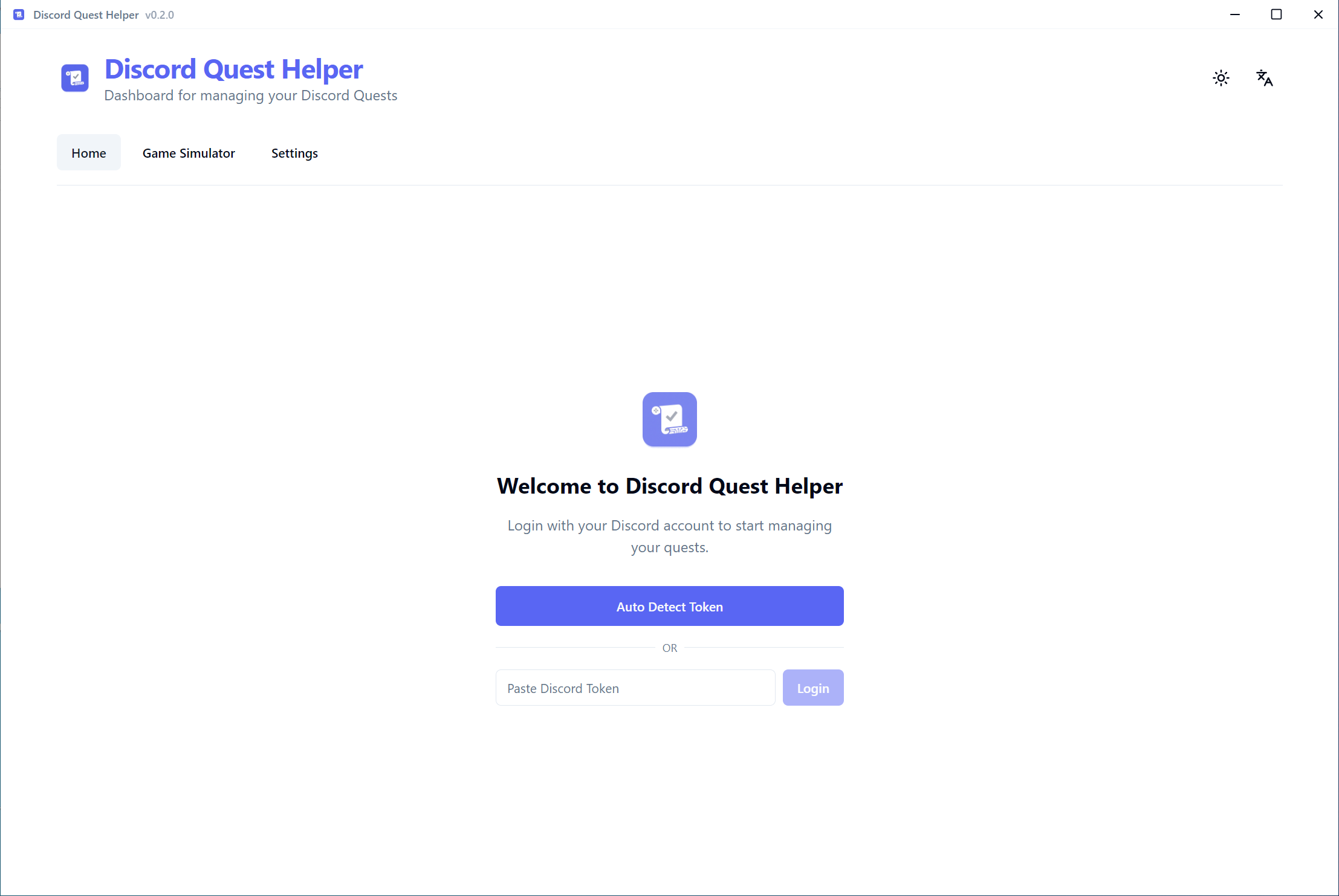
Automatically detects your Discord token - no need to run scripts or perform any technical steps. Just click and go.
Complete game quests without downloading or installing the actual game. Save disk space and time.
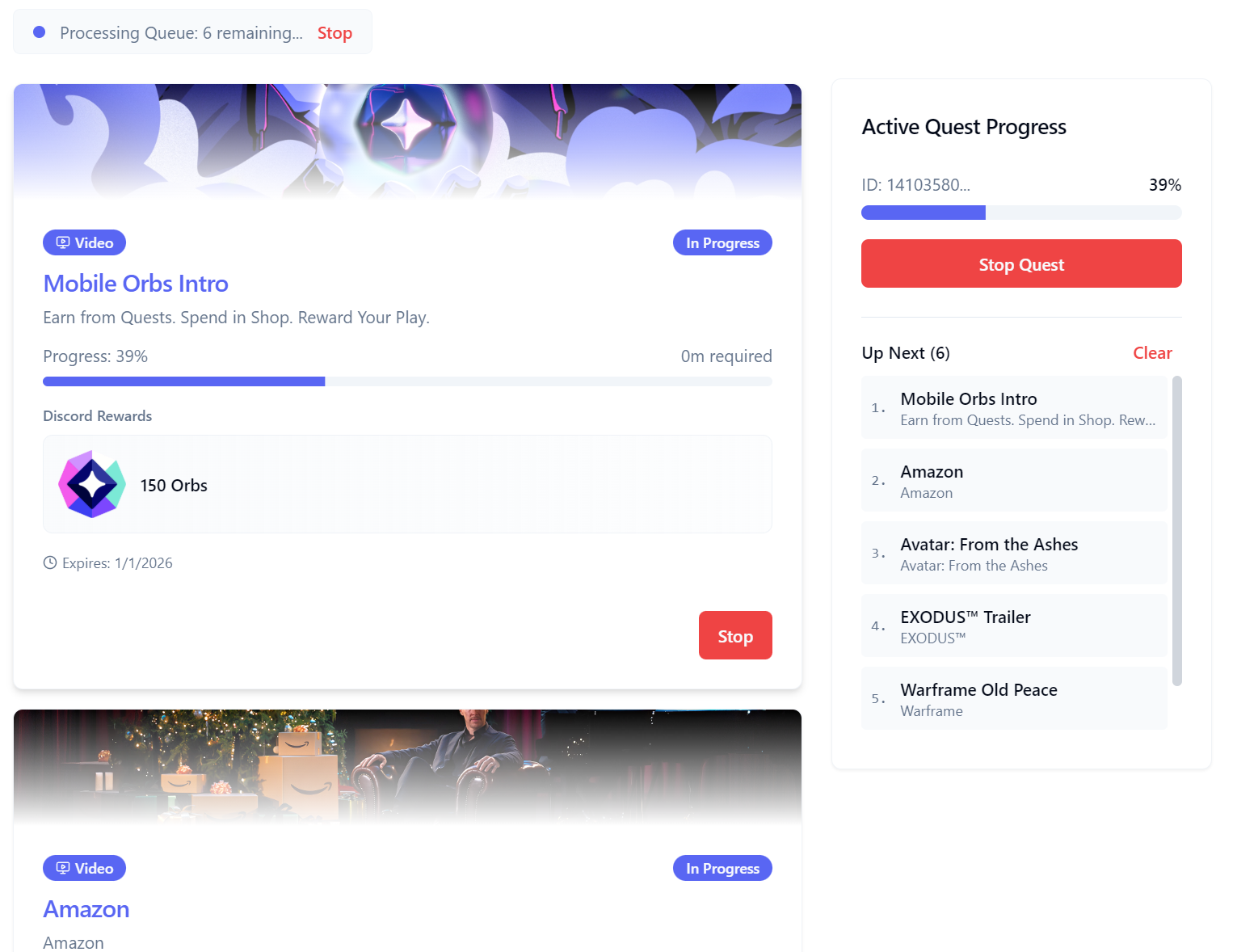
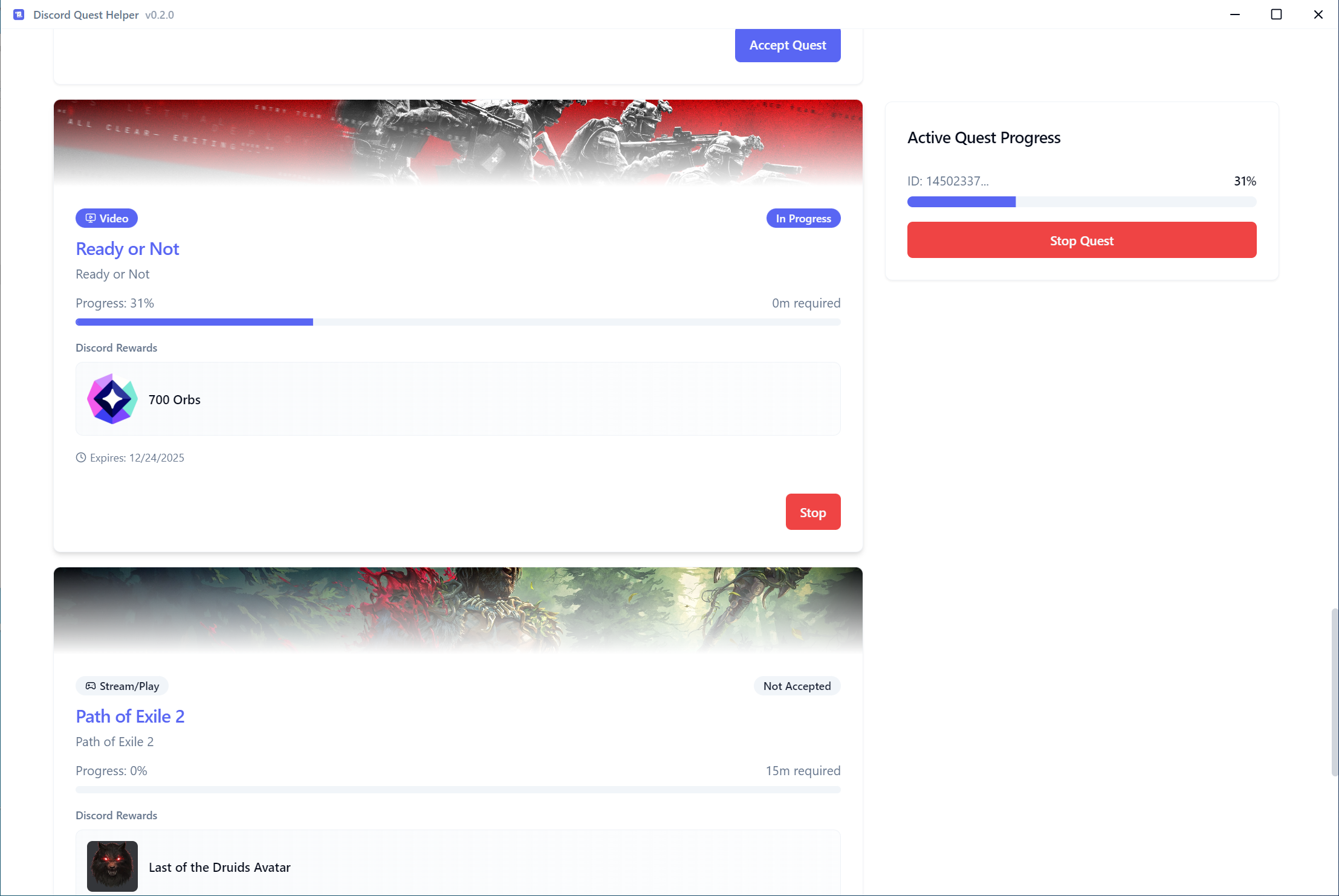
Click once to start, and the app handles video/stream progress automatically. No actual watching required.
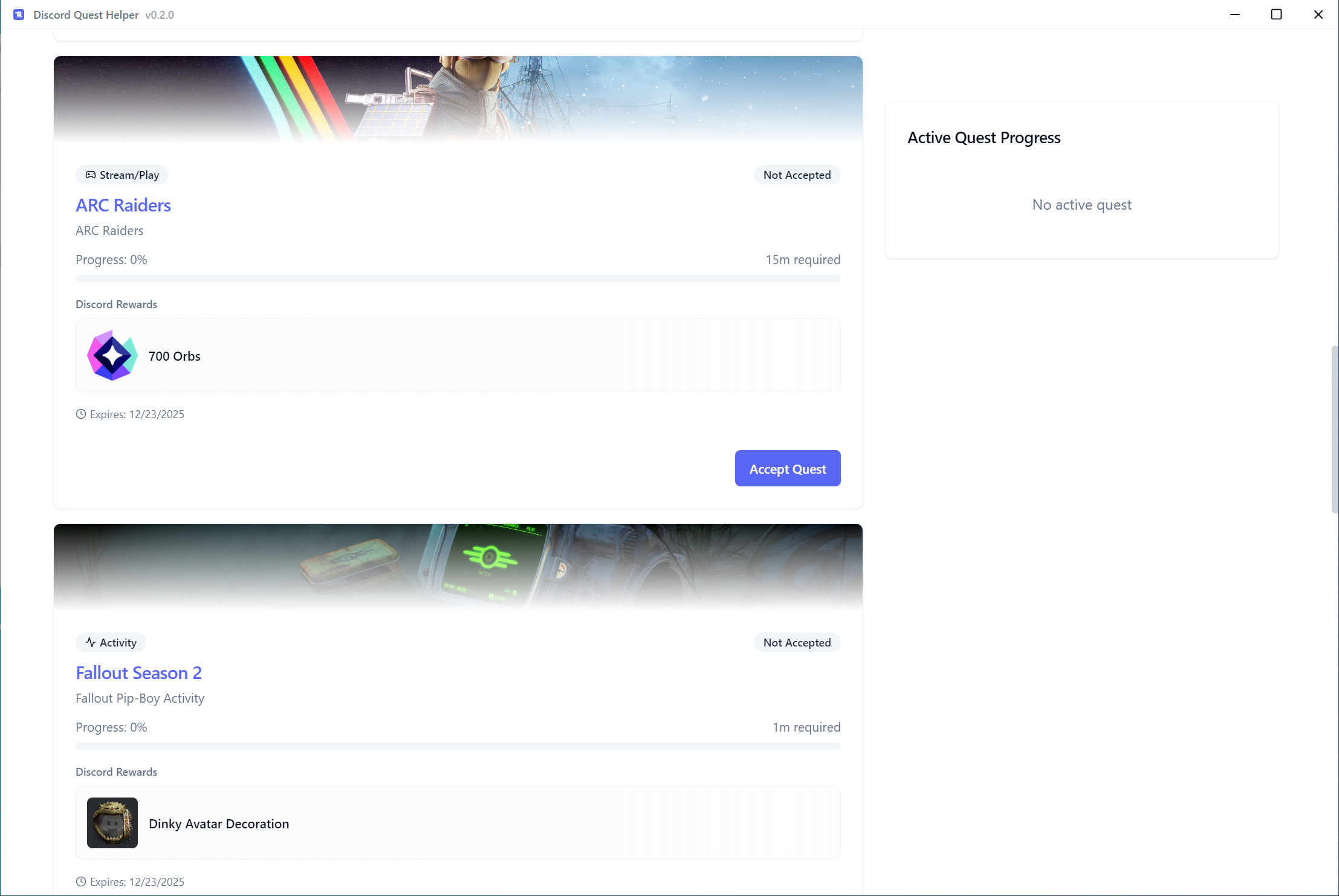
Filter quests by reward type, completion status, and more to quickly find the quests you want to complete.
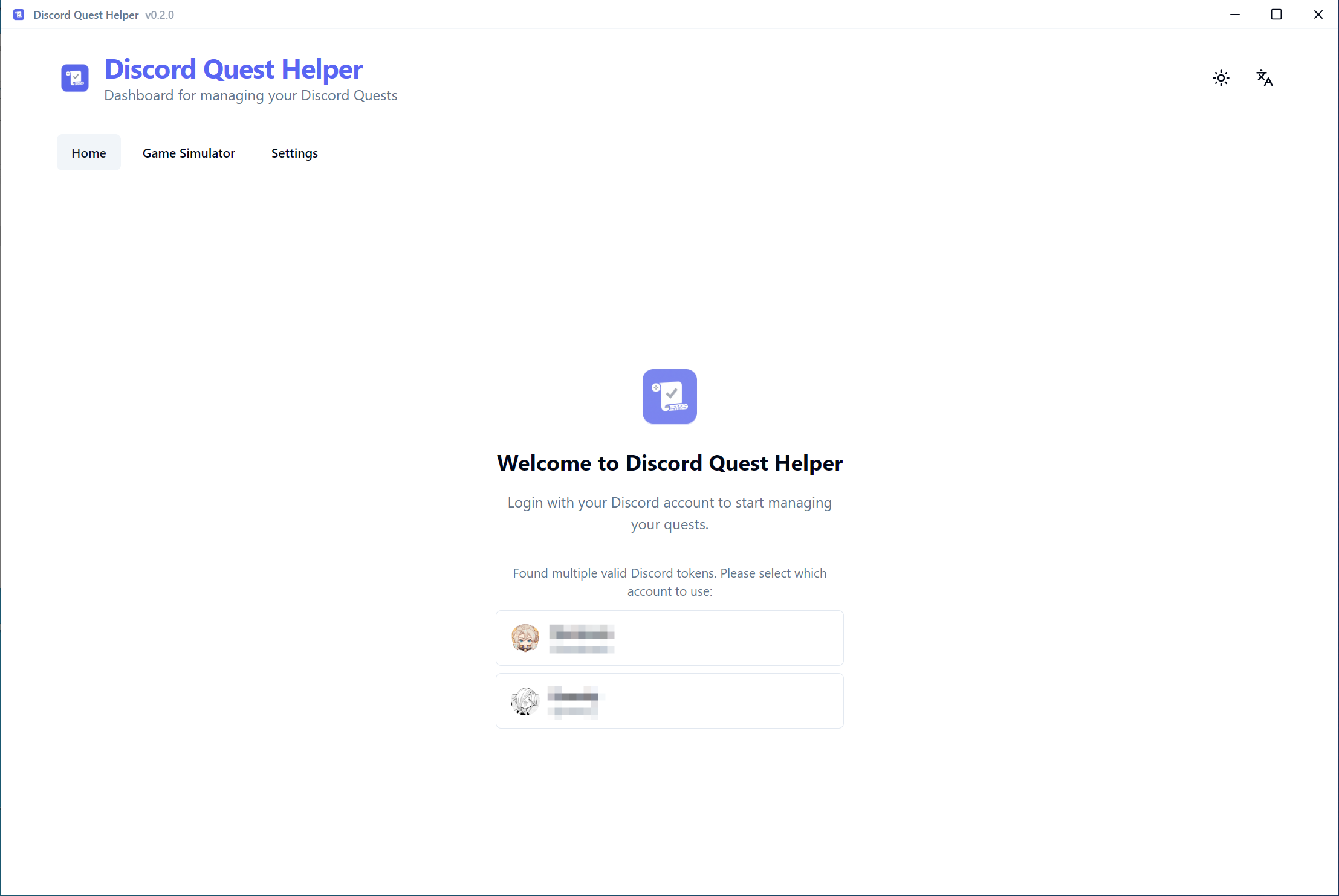
Manage and switch between multiple Discord accounts seamlessly.
Available in English, Chinese, Japanese, Korean, Russian, and Spanish.
Посмотрите приложение в действии
Начните за 4 простых шага
Download the latest release, extract the .zip file, and run
Discord Quest Helper.exe.
Click Auto Detect Token to automatically log in, or use Manual Input if you prefer. Auto-detect requires the Discord client to be running in the background.
Browse your quests and click to start. Video quests work directly in the app. Game quests require Discord client to be online.
After completing a quest, manually claim your reward through the Discord client. This app automates progress but does not claim rewards.
This tool is for educational purposes only. Using this tool may violate Discord's Terms of Service. The authors are not responsible for any consequences. Use at your own risk.
Learn how to complete different quest types
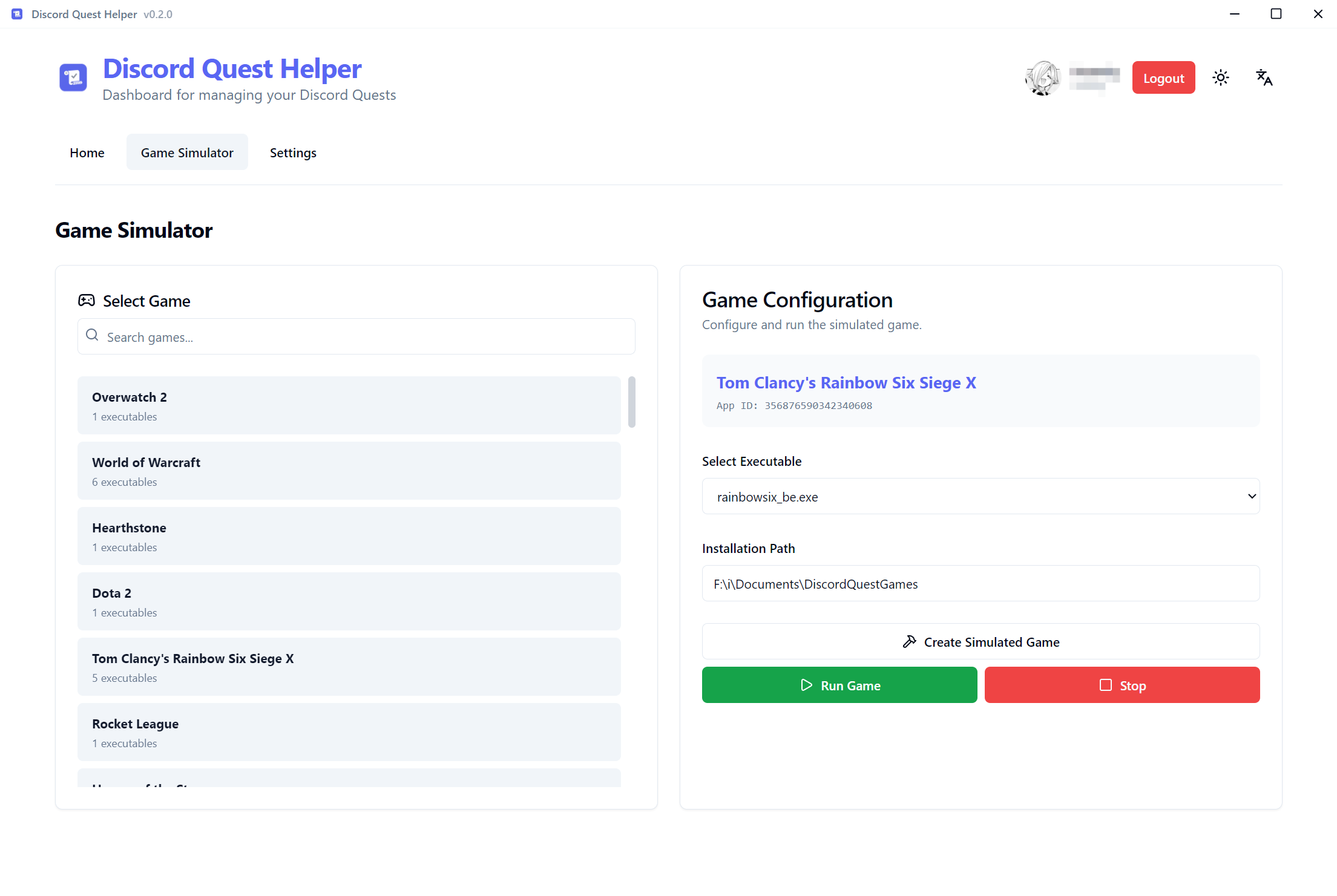
Simulate any Discord-supported game for Rich Presence
The Game Simulator allows you to create and run simulated processes for any game that Discord supports. This is useful for:
Frequently asked questions
A Discord token is an authentication credential stored locally by the Discord client to maintain your login session. This application reads the token directly from Discord's local storage without requiring manual extraction through browser developer tools or console scripts.
The token is stored in memory only during the application session and is never persisted to disk. All API requests are transmitted over HTTPS exclusively to Discord's official servers. The application is open source, allowing full code review and verification.
No. The Game Simulator creates a lightweight process that Discord's Rich Presence system recognizes as the target game. This eliminates the need to download, install, or own the actual game, saving both disk space and bandwidth.
Video quests utilize Discord's HTTP API, allowing this application to submit watch progress directly to Discord servers. Game quests rely on Discord's Rich Presence protocol, which requires the Discord desktop client to detect running game processes and report activity to the server.
Advanced Filter enables filtering quests by reward type (cosmetics, items, etc.), quest type (video, game, stream), and completion status. This functionality helps users quickly locate specific quests matching their criteria.
The application supports Discord Stable, Discord Canary, and Discord PTB (Public Test Build). Auto-detection works with whichever version is installed and running on your system.
Currently, the application is Windows-only. Token extraction relies on Windows Data Protection API (DPAPI) for decryption. Cross-platform support may be considered in future releases.
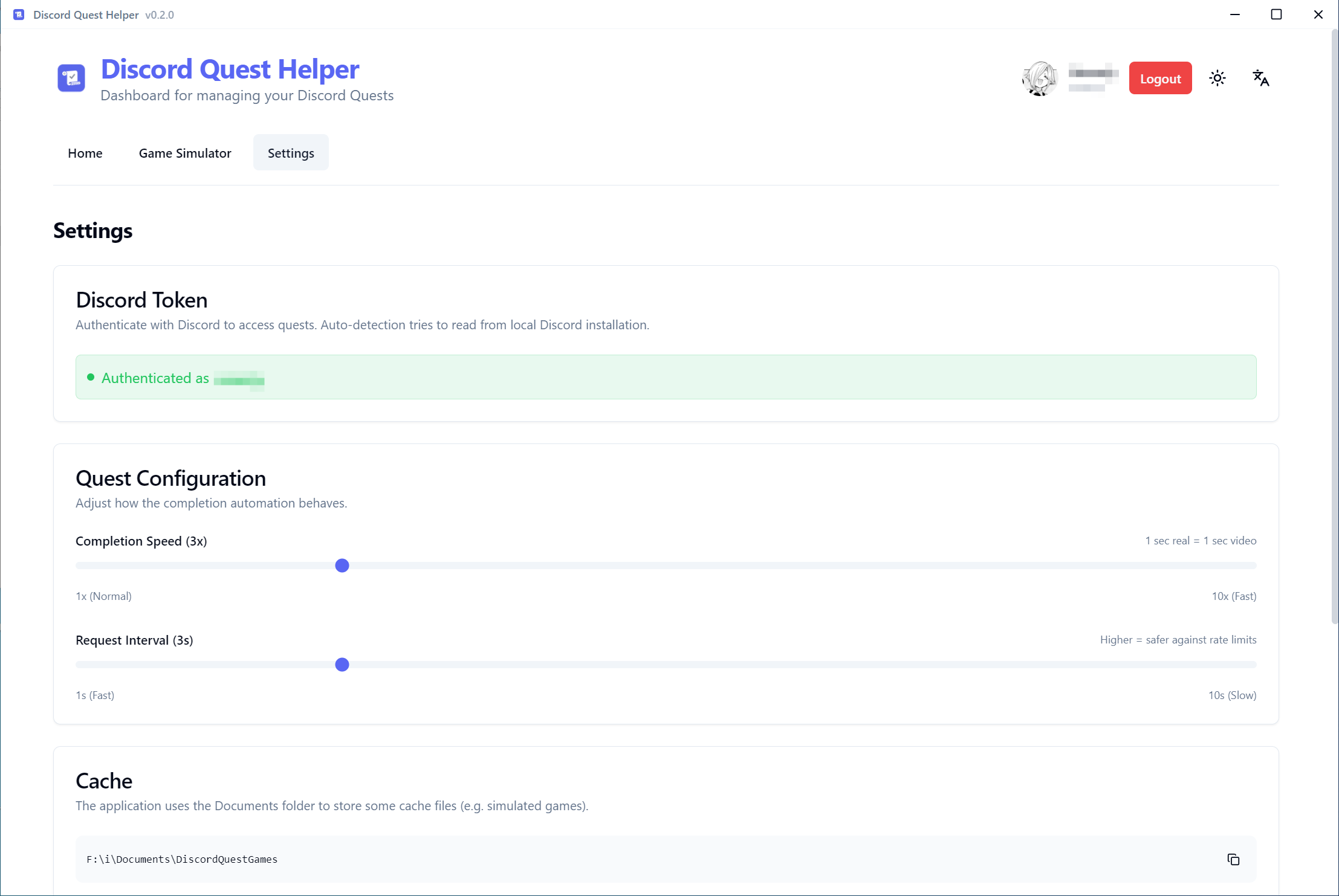
To completely remove the application, delete the application folder. Cache files (simulated
game executables) are stored in Documents\DiscordQuestGames. Delete this folder
to remove all cached data. You can access this folder directly from the Settings page within
the app.